


How to Add a User to Your Jobber Account
The reason we need this is to be able to obtain financial summary reports to be able to agree Jobber to the financials. We will not touch any other store data. This also allows us to connect Jobber to the accounting system and reconnect as necessary.
Login to your Jobber Account
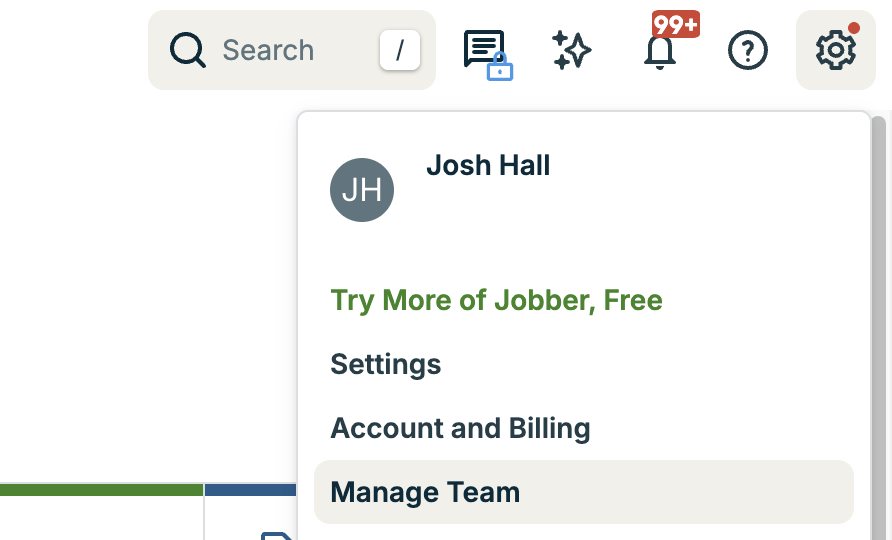
Select the gear icon in the upper right-hand corner

Click "Manage Team" from the dropdown menu
Next, click "Add User"

Next, enter the below information about the user:
Full Name: Josh Hall
Email: Please use the email address that you'll send everything to (usually "[some version of your business name]@jhandco.com")
Select the following permissions and communications settings:

Click "Add User" on the bottom right-hand corne

And you are done! We will receive an email invitation and we’ll take it from there!
Thank you!
J. Hall and Company